 iScreenmacOS · Capture. Explain. Share.
A screenshot.
A clearer story.
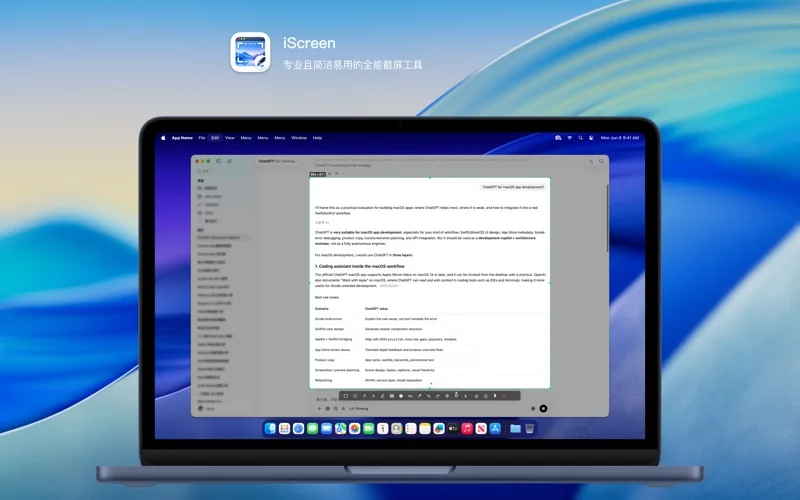
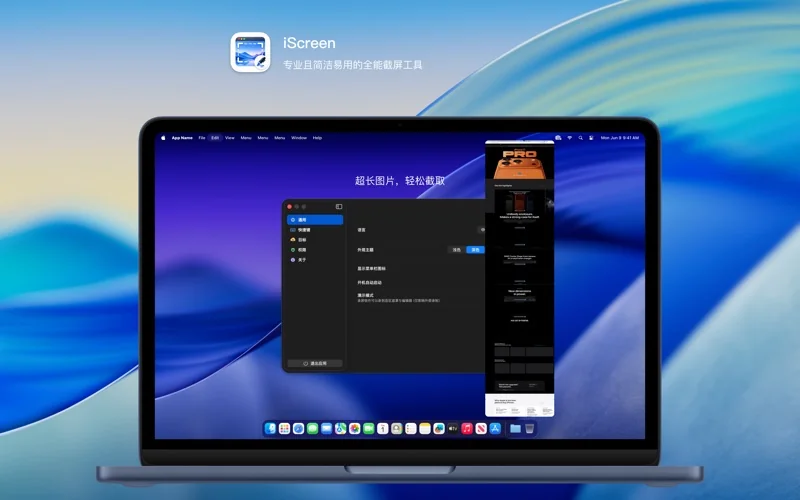
Capture an area or a scrolling page, annotate the important part and add a polished finish. Your images stay on your Mac.
macOS 14.6+ · US store reference: $4.99
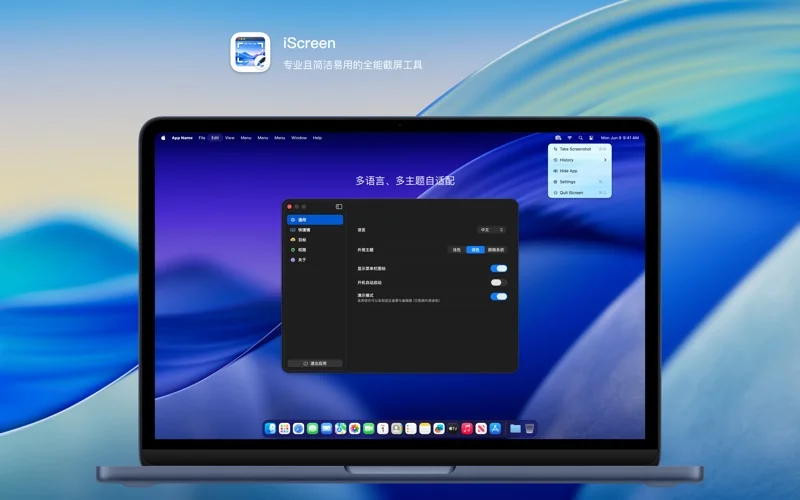
Area & scrolling captures
Capture the area you need or stitch scrolling content into a longer image.
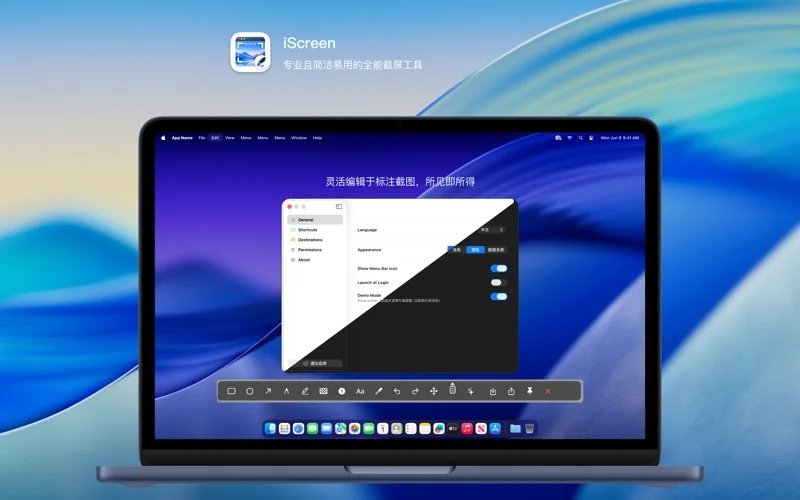
Annotate & edit
Use arrows, text and highlights to explain what matters. Check sensitive information before sharing.
A polished finish
Add a background, shadow and rounded corners for documentation, tutorials and social posts.
Take a closer look.
Know before you start.
- Platform
- macOS 14.6+
- Store version
- 1.0.0
- Pricing
- US store reference: $4.99
- Facts checked
- 2026-10-30
Prices refer to the US store. Check your local storefront for regional details.
A few useful answers.
Why is Screen Recording permission needed?
macOS uses this permission to control screen capture. Grant iScreen access in Privacy & Security in System Settings to use its capture features.
Where do I download it?
The currently available official route is the App Store. Check its listing for regional pricing, compatibility and availability.
Make room for iScreen.
US store reference: $4.99 · macOS 14.6+
See pricing and availability on Apple’s store.
A good screenshot makes one point clear.
A useful screenshot helps someone understand your point without searching the whole screen.
Read the guide