 macOS
macOSLinkVault
Bring scattered links together. Organize with categories and tags, then find the reference you need with a quick search.
Save ideas. Move projects forward. Find your focus.
Thoughtful tools for a clearer everyday.
Bring scattered links together. Organize with categories and tags, then find the reference you need with a quick search.
Meet the app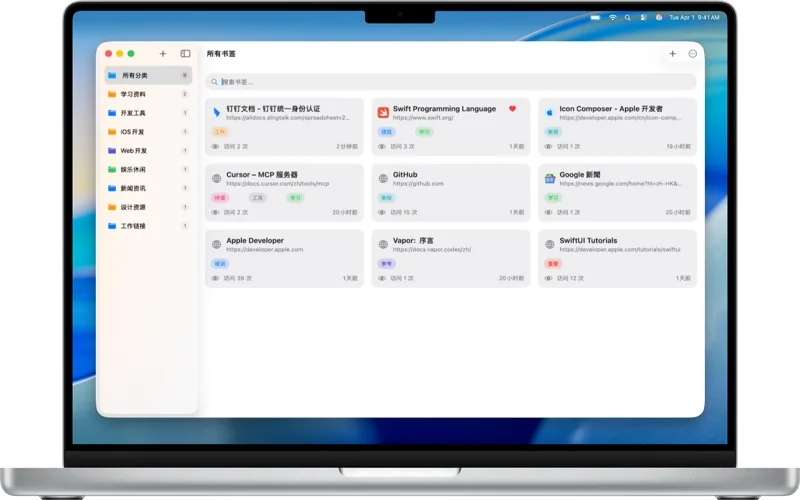
Give your projects a clear home. Move tasks through a visual board and keep your next step in sight.
Meet the app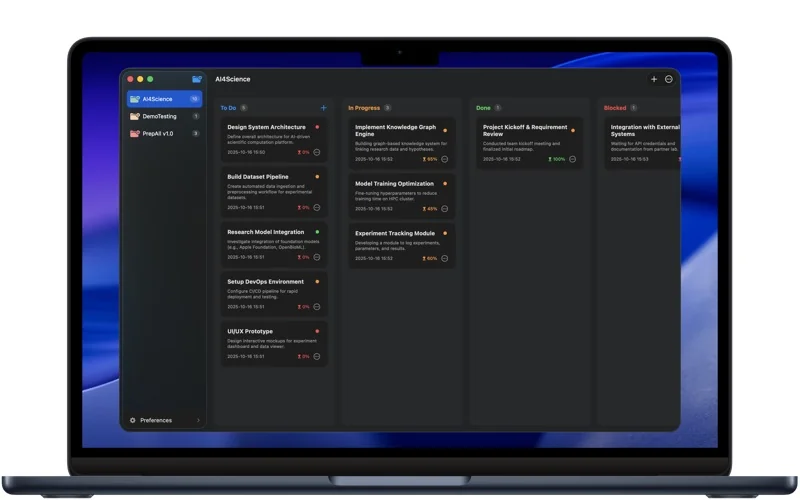
Review caches, logs, large files and developer caches. Check what you are removing and make room for what you need.
Meet the app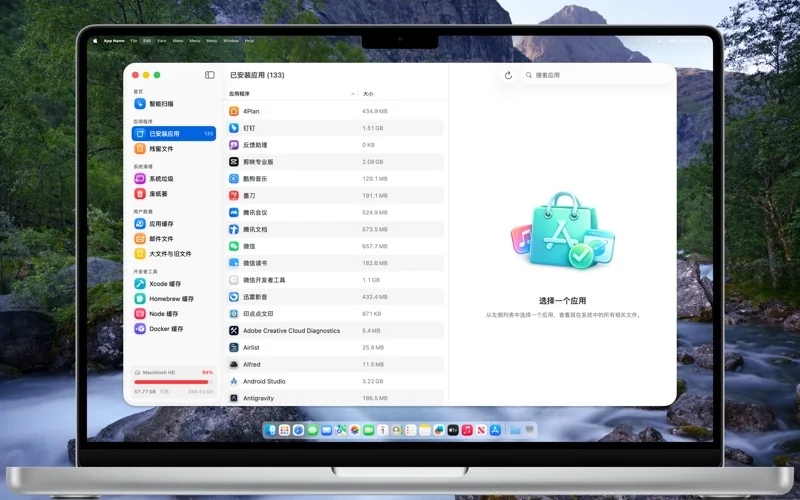
Capture an area or a scrolling page, annotate the important part and add a polished finish. Your images stay on your Mac.
Meet the app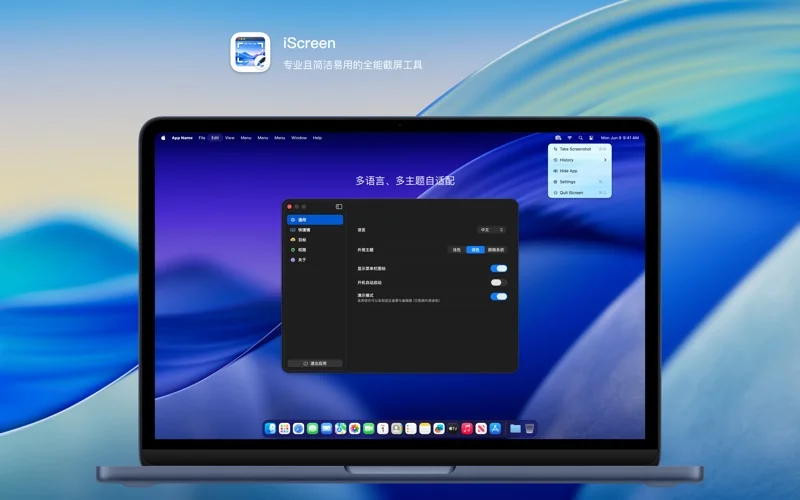
Add a reminder, pause or limit before opening selected apps. Set your own boundaries and choose where your time goes.
Meet the app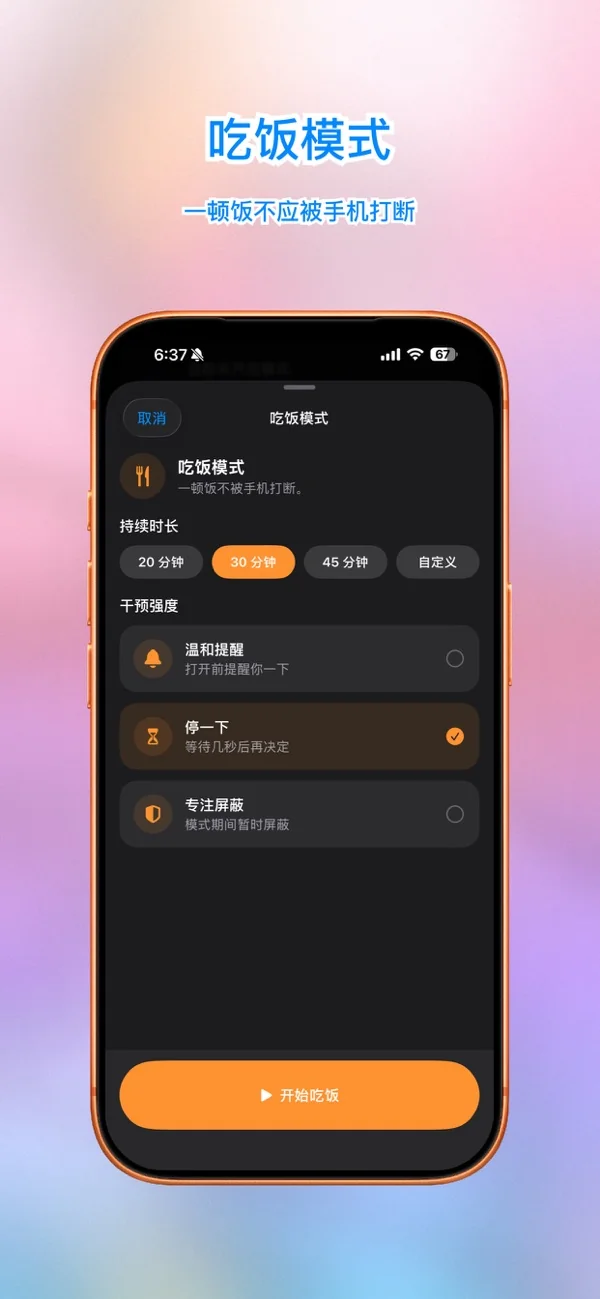
Capture a meeting, a lesson or an idea before it slips away. Turn speech into text, then organize it into summaries, key points and next steps.
Meet the app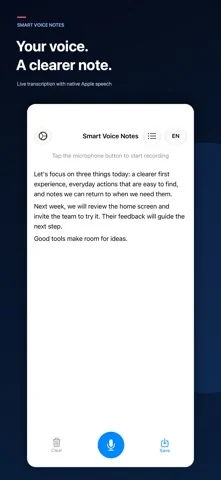
Real product imagery. Pick an app and see where it fits.
Small tools. Specific problems. A place for each.
macOSBring scattered links together. Organize with categories and tags, then find the reference you need with a quick search.
 macOS
macOSGive your projects a clear home. Move tasks through a visual board and keep your next step in sight.
 macOS
macOSReview caches, logs, large files and developer caches. Check what you are removing and make room for what you need.
 macOS
macOSCapture an area or a scrolling page, annotate the important part and add a polished finish. Your images stay on your Mac.
 iOS
iOSAdd a reminder, pause or limit before opening selected apps. Set your own boundaries and choose where your time goes.
 iOS
iOSCapture a meeting, a lesson or an idea before it slips away. Turn speech into text, then organize it into summaries, key points and next steps.
Local storage, optional sync, cloud processing with consent. Each app explains where your data goes and keeps the choices clear.
Explore privacy & dataA system you can keep using is more useful than an elaborate taxonomy. Back up first, then organize around what you are doing.
Read the guide CommunicationA useful screenshot helps someone understand your point without searching the whole screen.
Read the guide Voice & notesA transcript is a starting point. Check it, organize it and identify next steps to make it useful.
Read the guide