 LinkVaultmacOS · A home for your bookmarks
Good finds.
Always within reach.
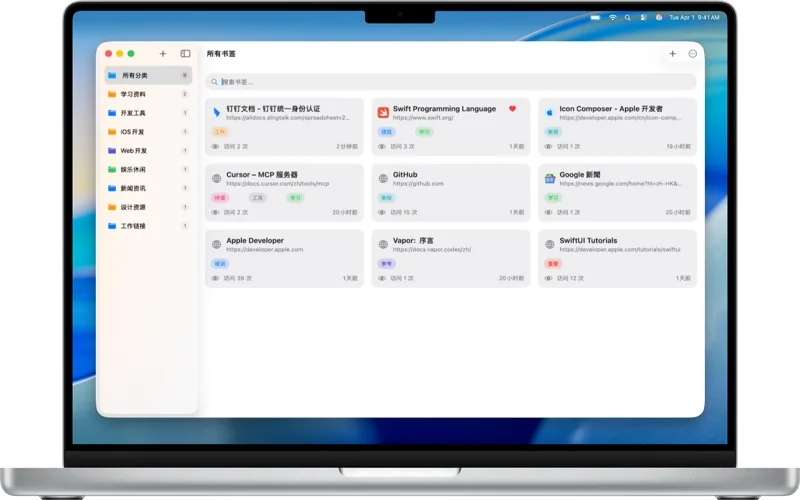
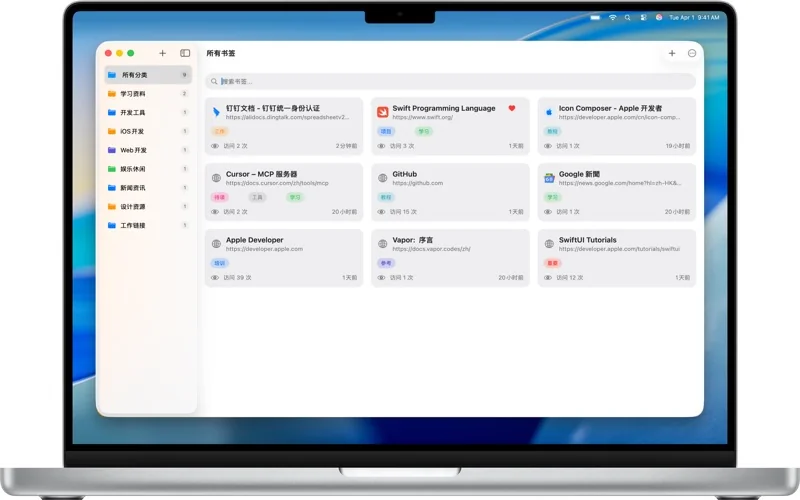
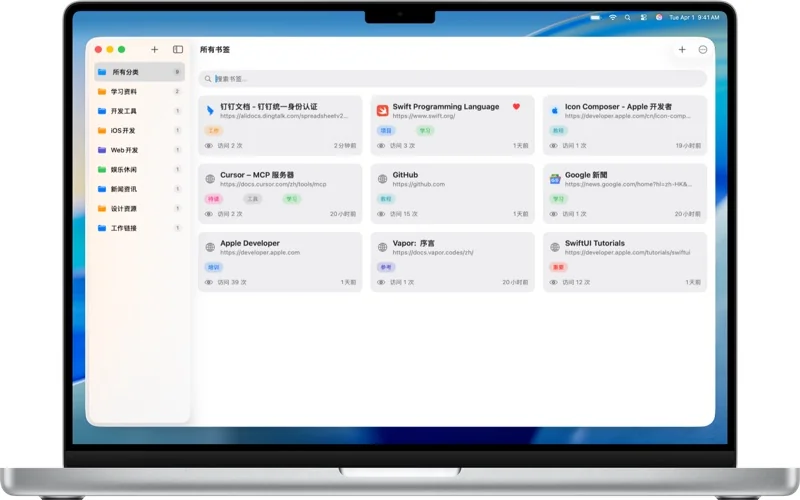
Bring scattered links together. Organize with categories and tags, then find the reference you need with a quick search.
macOS 14.6+ · US store reference: $1.99
Product walkthrough · Full-screen playback available
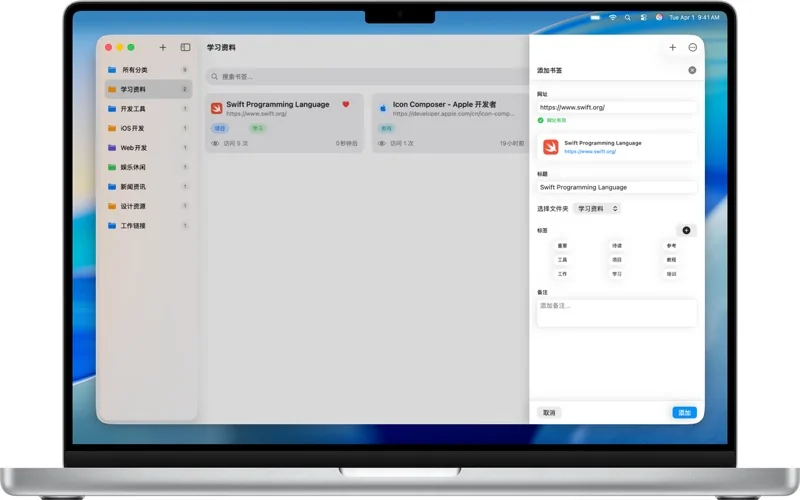
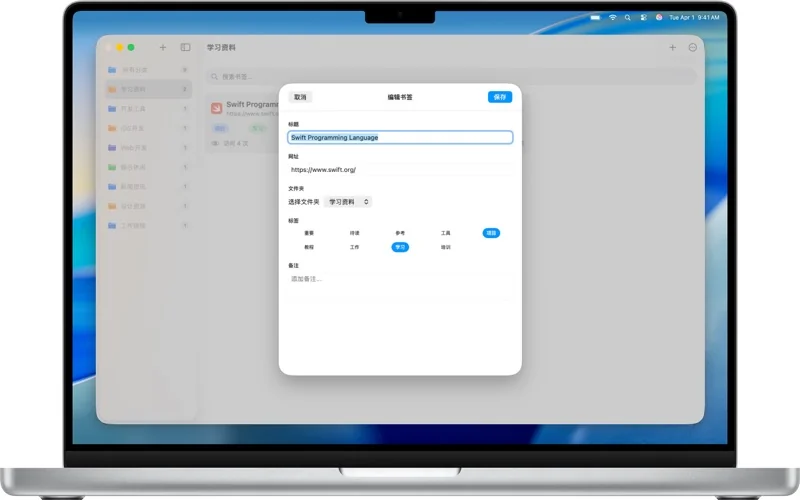
Categories & tags
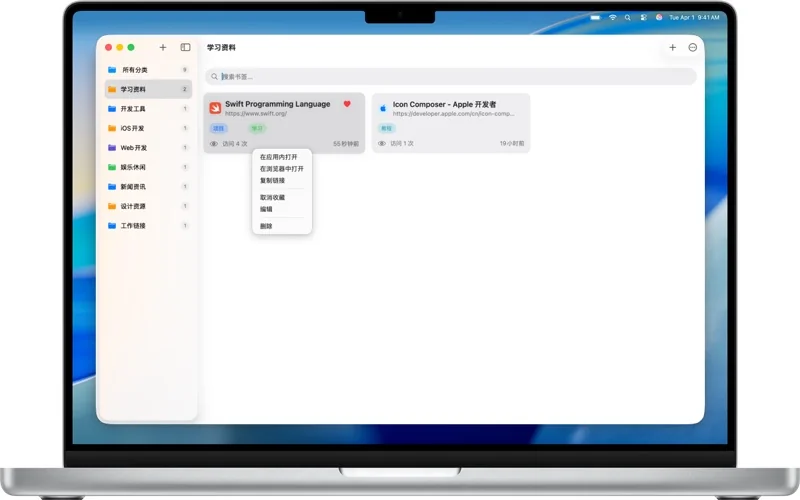
Separate work references, research and everyday finds. Connect them with tags.
Keyword search
Search titles, URLs and bookmark information instead of hunting through folders.
Chrome bookmark import
Bring existing bookmarks with you and organize them your way. Start with what you already have.
Take a closer look.
Know before you start.
- Platform
- macOS 14.6+
- Store version
- 1.2.4
- Pricing
- US store reference: $1.99
- Facts checked
- 2026-10-30
Prices refer to the US store. Check your local storefront for regional details.
A few useful answers.
Can I bring my Chrome bookmarks?
Yes. LinkVault supports batch importing Chrome bookmarks. Keep your export as a backup and check the imported folders and count.
Where can I get the browser extension?
The product supports saving bookmarks through browser extensions. Contact support for current browser compatibility and installation instructions.
Where do I download it?
The currently available official route is the App Store. Check its listing for regional pricing, compatibility and availability.
Make room for LinkVault.
US store reference: $1.99 · macOS 14.6+
See pricing and availability on Apple’s store.
Too many bookmarks? Start with three folders.
A system you can keep using is more useful than an elaborate taxonomy. Back up first, then organize around what you are doing.
Read the guide