 TidyUpmacOS · Room for what matters
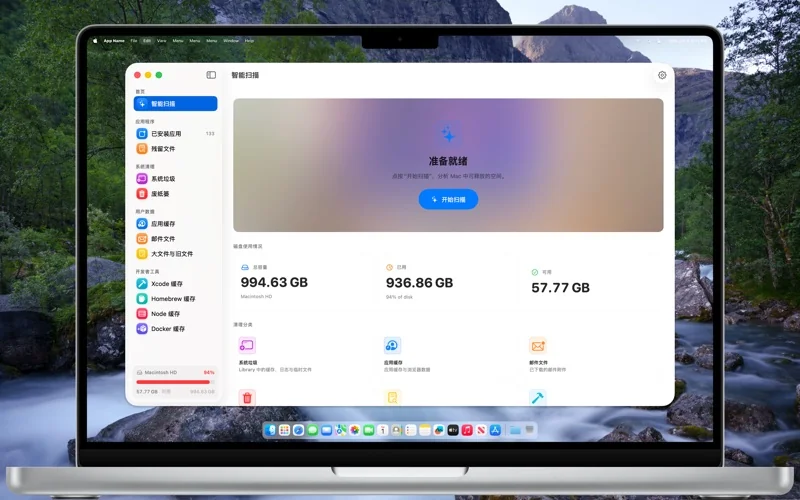
See what’s taking space.
Choose what goes.
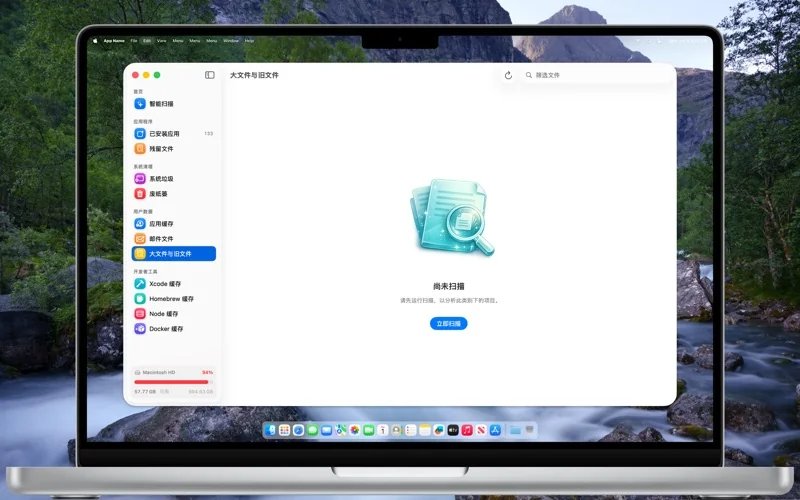
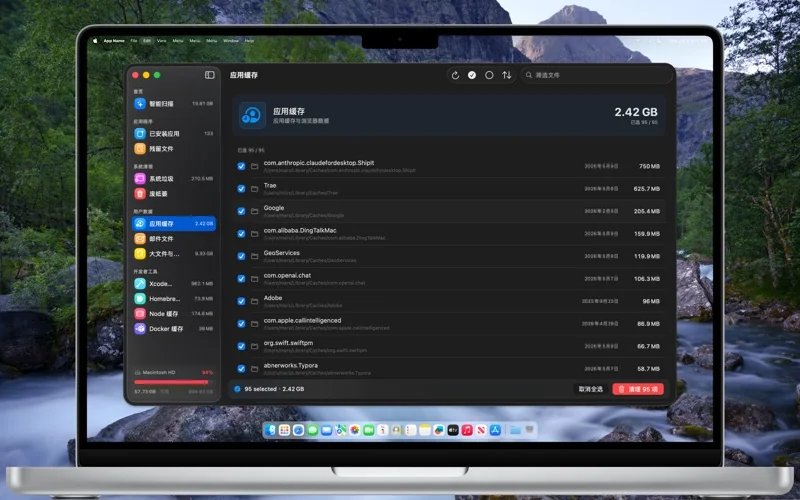
Review caches, logs, large files and developer caches. Check what you are removing and make room for what you need.
macOS 14.6+ · US store reference: $12.99
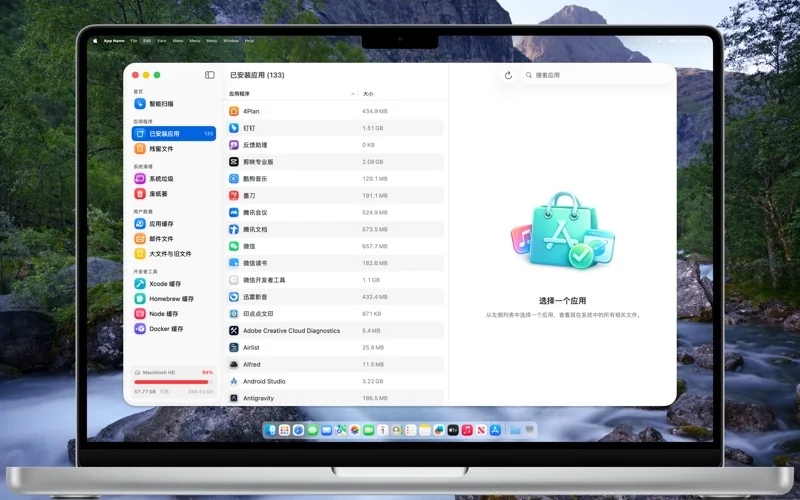
Review by category
Understand where space goes, then inspect the items inside each category.
Developer caches
Review caches associated with development tools such as Xcode, Homebrew, Node and Docker.
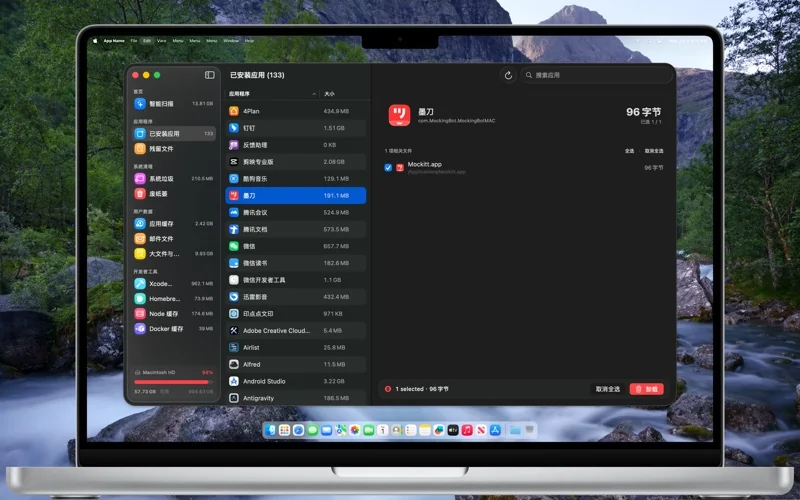
Confirm before removal
Remove only selected items. Review paths and purpose before proceeding, and back up important files.
Take a closer look.
Know before you start.
- Platform
- macOS 14.6+
- Store version
- 1.0.0
- Pricing
- US store reference: $12.99
- Facts checked
- 2026-10-30
Prices refer to the US store. Check your local storefront for regional details.
A few useful answers.
What happens after clearing caches?
Some apps need to rebuild caches, download resources or rebuild projects. Save your work, close related apps and keep any items you are unsure about.
Where do I download it?
The currently available official route is the App Store. Check its listing for regional pricing, compatibility and availability.
Make room for TidyUp.
US store reference: $12.99 · macOS 14.6+
See pricing and availability on Apple’s store.
Low on Mac storage? Understand it before clearing it.
Storage cleanup starts with understanding, not deletion. Back up important files first.
Read the guide