 LayerkitmacOS · Layers, masks & photo edits
Give your ideas
a little more depth.
An image editor for Apple Silicon Macs. Shape a composition with layers, masks, brushes, text and adjustments. Save an editable project, then export it to share.
macOS 26.0+ · Apple Silicon · Free core tools · Optional Pro
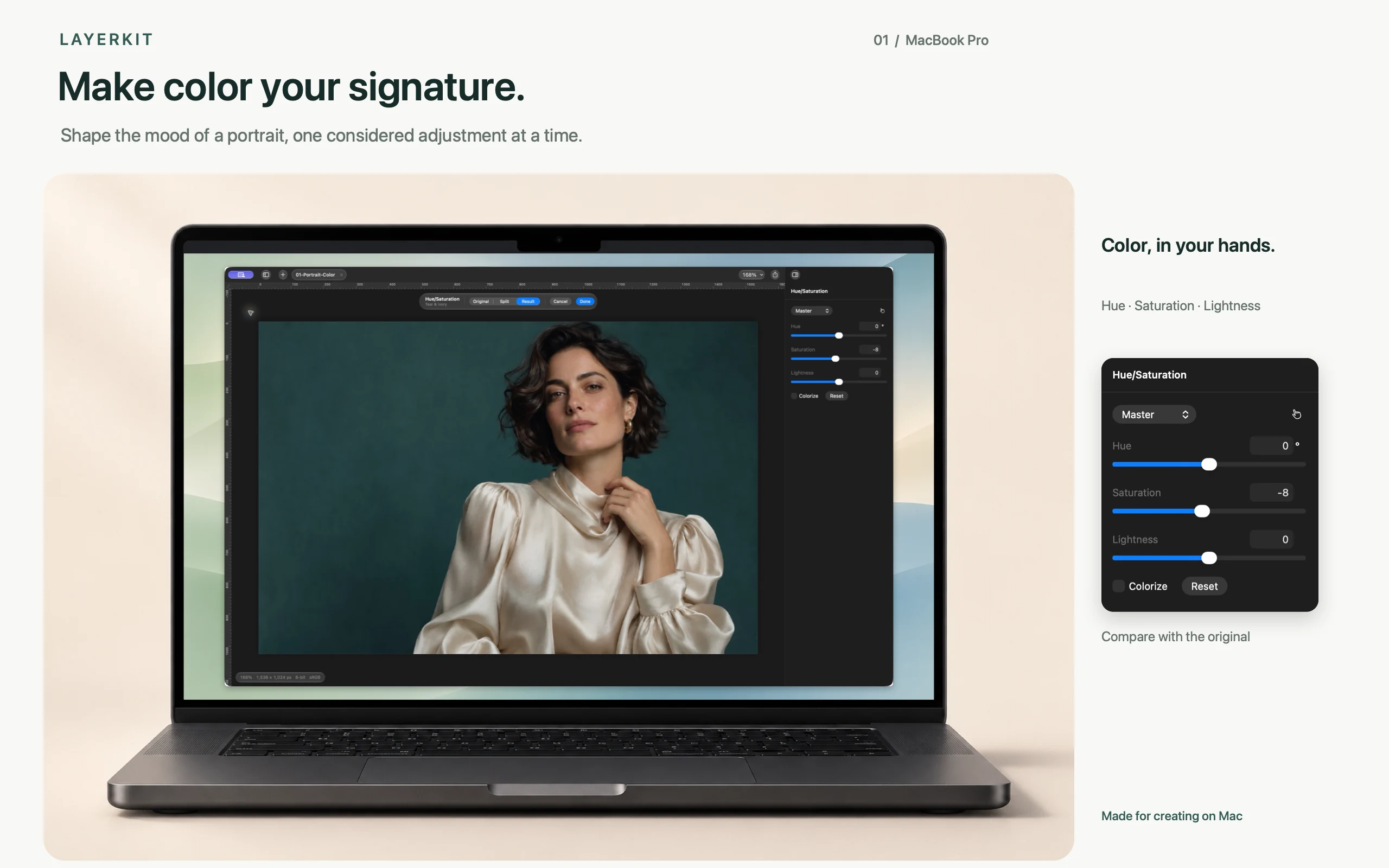
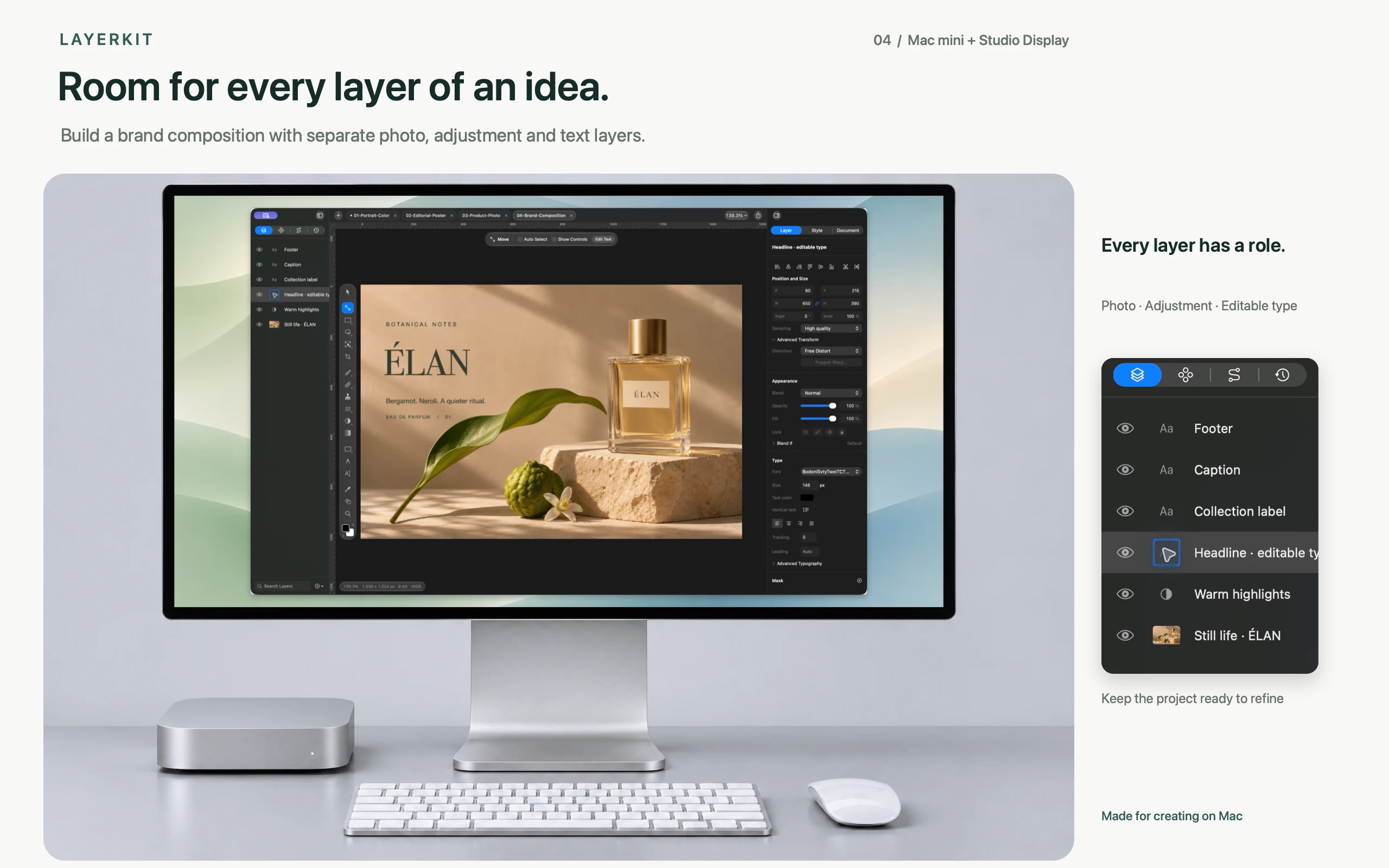
Build your image in layers
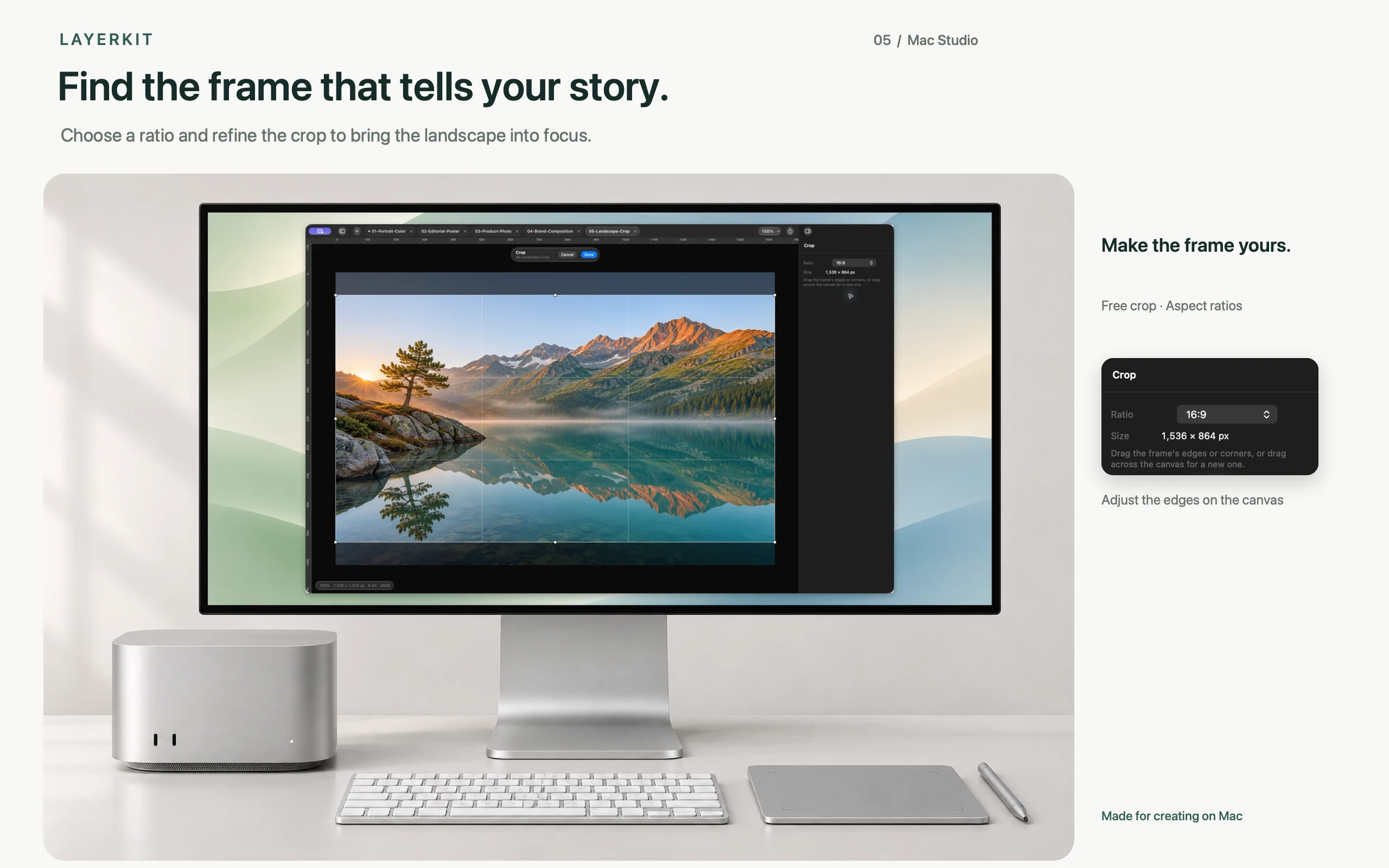
Arrange layers and groups, then control the result with masks, blend modes and opacity. Use selections, brushes, text and shapes for everyday compositions.
Keep room for your next edit
Save your layers and editing state in a .lkproj project, ready to continue whenever you like. Refine your work with undo and redo, then export an image to present or share.
Add Pro when you need it
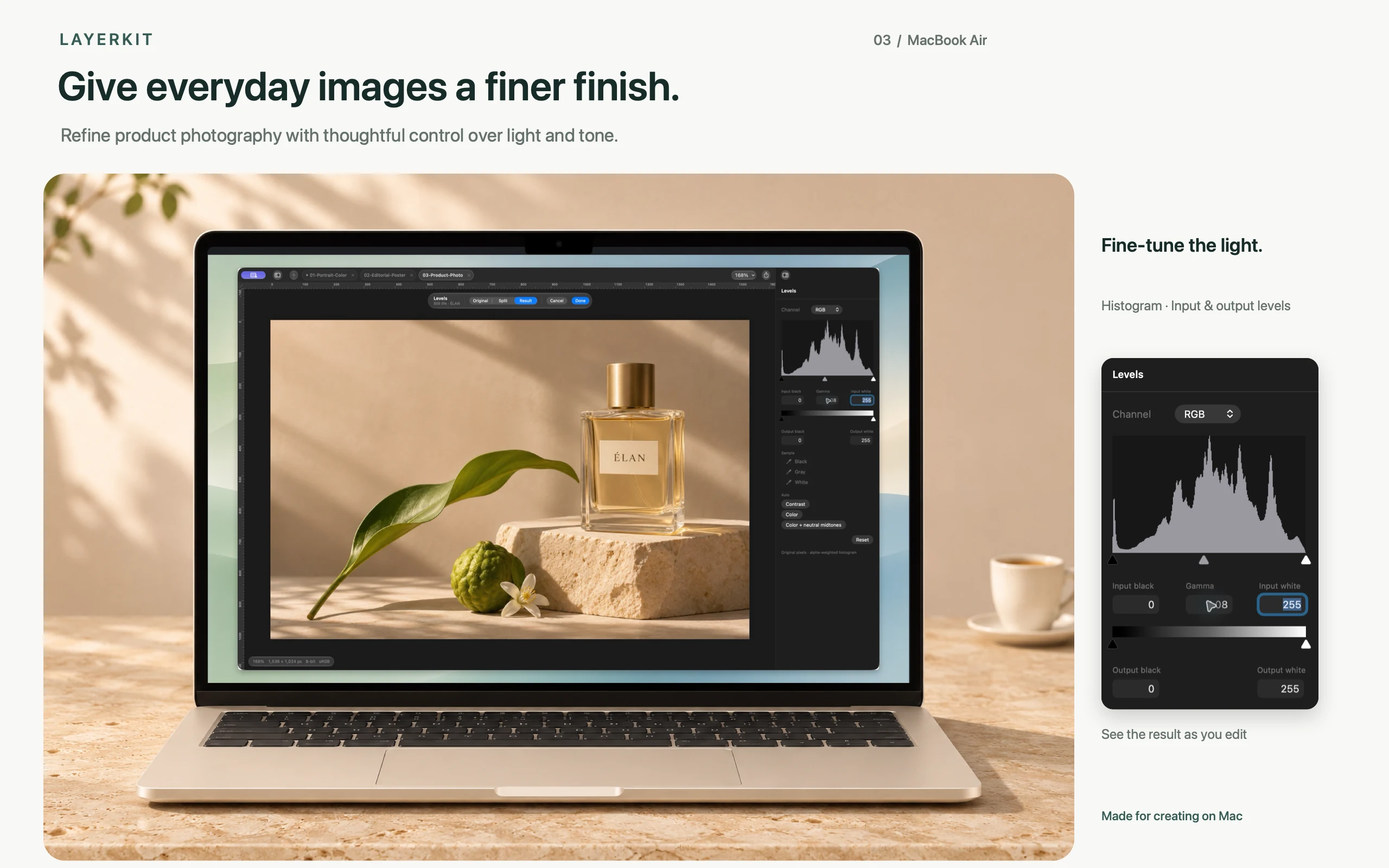
A one-time Pro purchase unlocks batch conversion, actions, object removal, person masks, auto enhance, auto straighten, PSD export and deep-color processing. Results vary with image content.
Take a closer look.
Know before you start.
- Platform
- macOS 26.0+ · Apple Silicon
- Current version
- 1.0.0 (102)
- Pricing
- Free core tools · Optional Pro
- Facts checked
- 2026-11-14
A few useful answers.
What can I create with Layerkit?
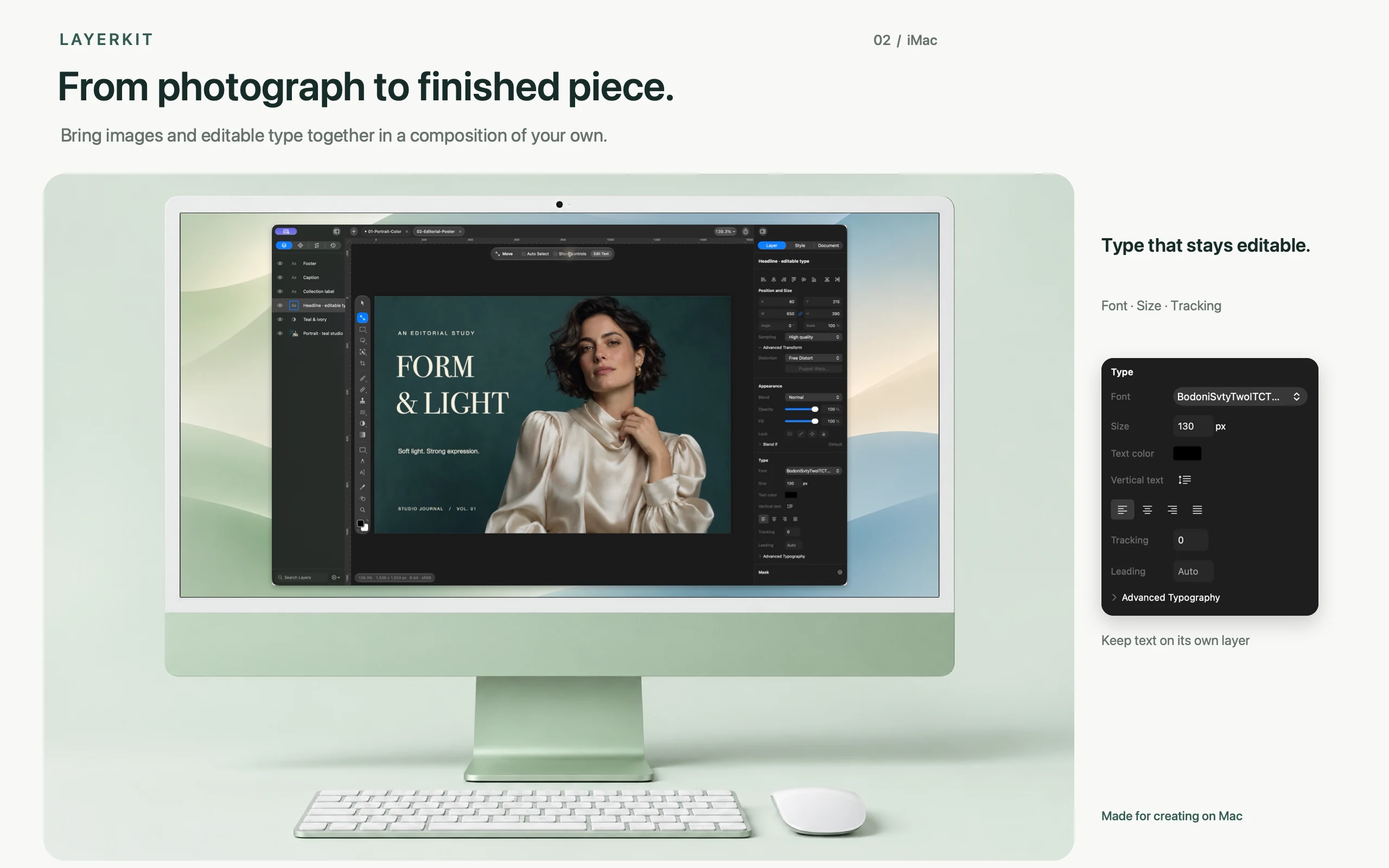
Retouch photos, adjust colors, combine layers and masks, or create posters and product images with text and shapes. Keep photos, text and adjustments in separate layers so you can refine each part of your work.
Is Pro a subscription?
No. Core editing tools are free, and Layerkit Pro is an optional one-time purchase. Restore purchases from Pro in Settings using the purchasing Apple Account. See the App Store for current pricing.
How do I save and share my work?
Save an editable .lkproj project and export images to share. You can open PSD files, and Pro also offers layered PSD export. Some complex layers and effects may not carry over completely, so keep the original PSD and check the converted result.
Which Macs are supported? Is a connection required?
Supports Apple Silicon Macs running macOS 26.0 or later. Core editing works offline; downloading the app, purchases and restoration require a connection.
Can I download it now?
Layerkit is being prepared for the App Store. This page will link to the store once the listing is public. Regional pricing and availability will be shown there.
Make room for Layerkit.
Free core tools · Optional Pro · macOS 26.0+ · Apple Silicon
The store link will appear here after the app is released.
Start with a photo. Keep your edits in layers.
Keep the original, then separate painting, text and adjustments into edits you can revisit.
Read the guide